Parseable integration guide
Run the weather agent example or troubleshoot the integration.
Instrumentation setup
Configure an OpenTelemetry provider to export agent spans to Parseable. Pass aRestateTracerProvider to OpenInference to attach its spans to the active Restate invocation:
telemetry.py
telemetry before you create the Restate application. Call provider.shutdown() when the process exits to flush queued spans.
Run the example
Run the example
Prerequisites: Python 3.12 or later, uv, Parseable instance and API key, OpenAI API key, and Restate installed.Get the weather agent template from the OpenAI Agents quickstart:Install the OpenInference instrumentation and OpenTelemetry exporter:Create Start the agent service:Send Restate Server spans to the same Parseable dataset as the agent spans:Register the agent service:Invoke the agent through Restate:
telemetry.py with the instrumentation setup above. Import telemetry in __main__.py before Restate creates the application.Configure your environment:Inspect traces in Parseable
After the first invocation, add theagent-observability tag to <parseable-dataset> in the Parseable dataset settings. Parseable only lists tagged datasets in the Agents view.
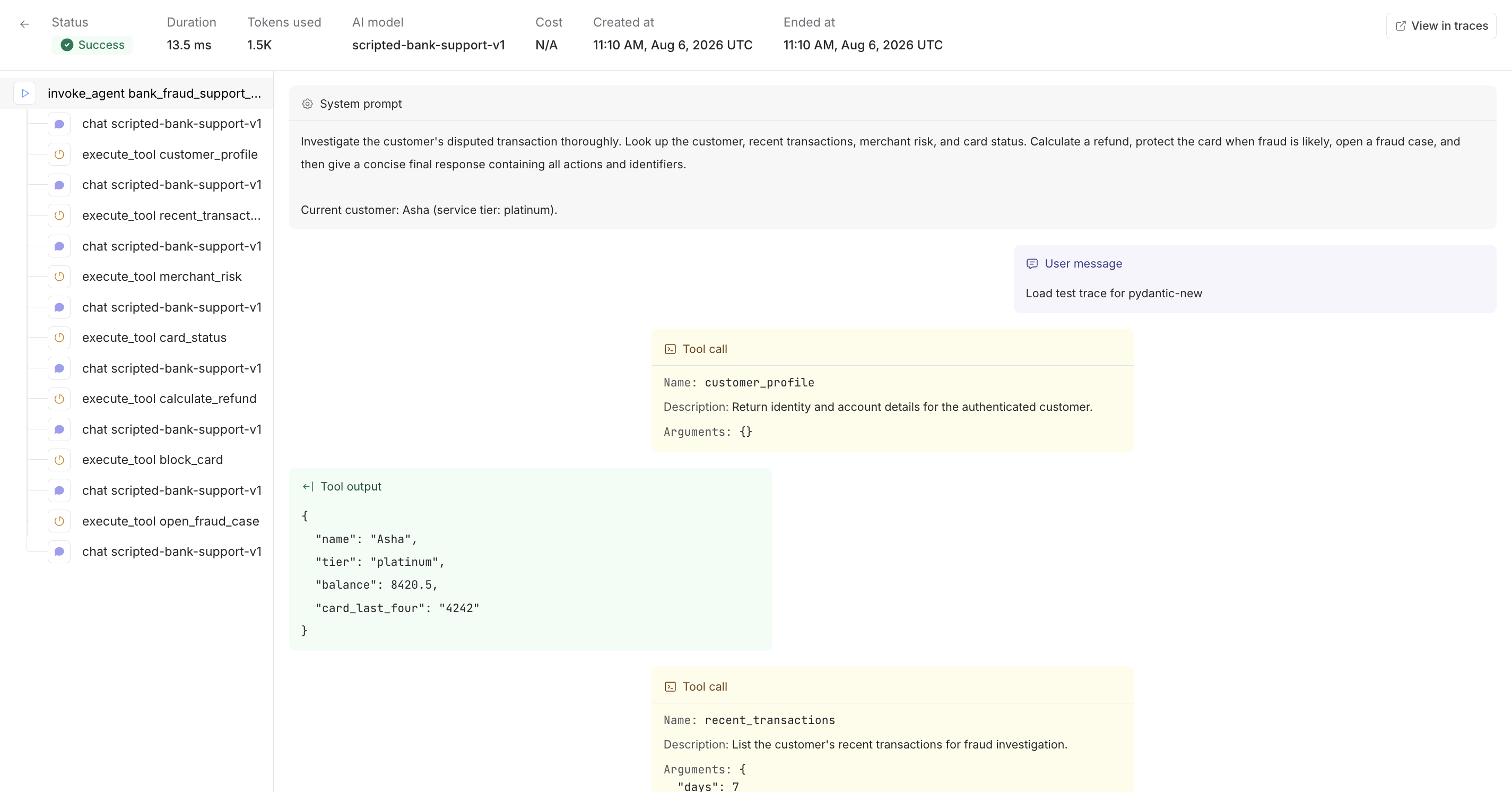
Open the dataset in the Agents view, then select a run to inspect its Restate invocation and recovery lifecycle, OpenAI agent turns, generations, tool calls, inputs, outputs, and token usage.